Your bracket. Your shot at the top.
Two boards. Two champions.
Pick your bracket and climb. Combat 61 and 82 each get their own rankings, their own dragon prizes and their own champion. You have 14 days per season, with the first season starting at this update's launch.
Prizes on each board


Dragon square shield
and Dragon medium helmet

Dragon axe

Dragon sword
Each board awards its own prizes, so a character can win on both. First place also earns the permanent cosmetic title the 61s Champion or the 82s Champion.
Prizes remain owed if you are offline or have no room to receive them. The first-place shield and helmet stay together. Only players who earned points can take a prize place.
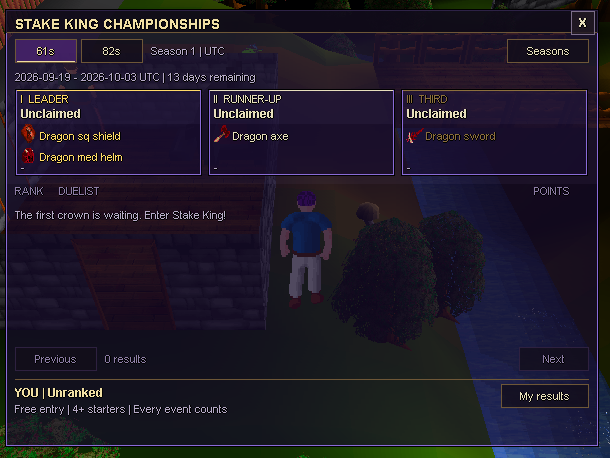
Every completed free-entry public tournament with at least four starters counts. There is no best-five or attendance cap. Paid events and smaller fields keep their ordinary prizes without awarding season points.
Administrative advances and cancelled or abandoned tournaments do not score. A tournament belongs to the season in which its bracket starts.
Ties are decided by tournament wins, then counted match wins, then who first reached the tied score. Seasons run continuously on their original schedule; a restart does not reset the clock.
A different view of Classic
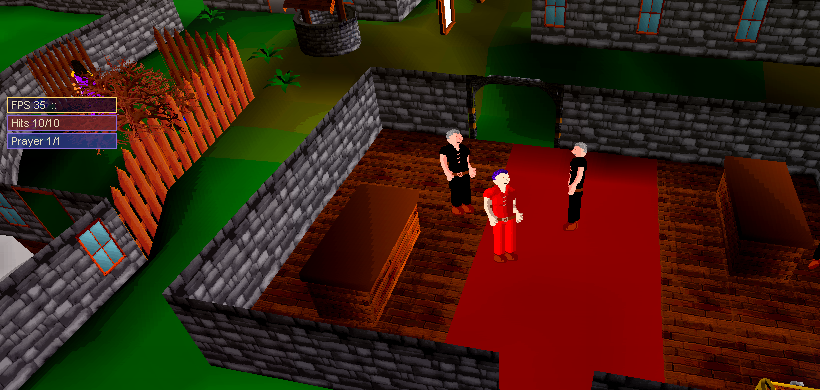
Upstairs, with a world outside.
Climb a ladder and the surrounding fields, trees and buildings can stay in view, instead of disappearing into black space.
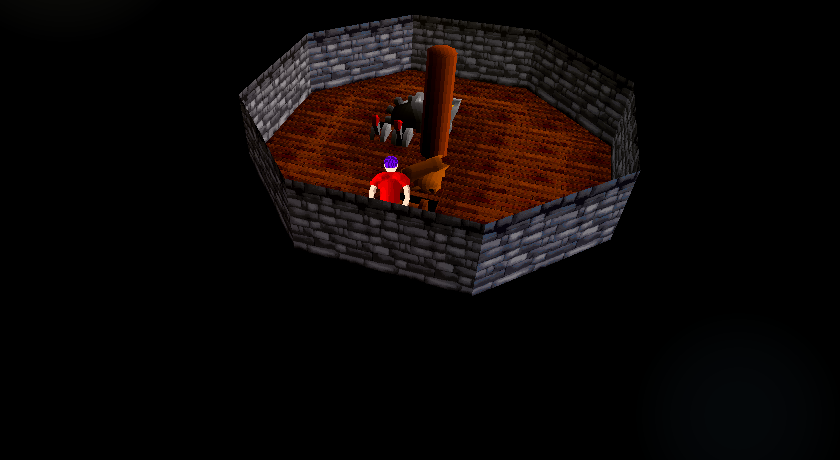
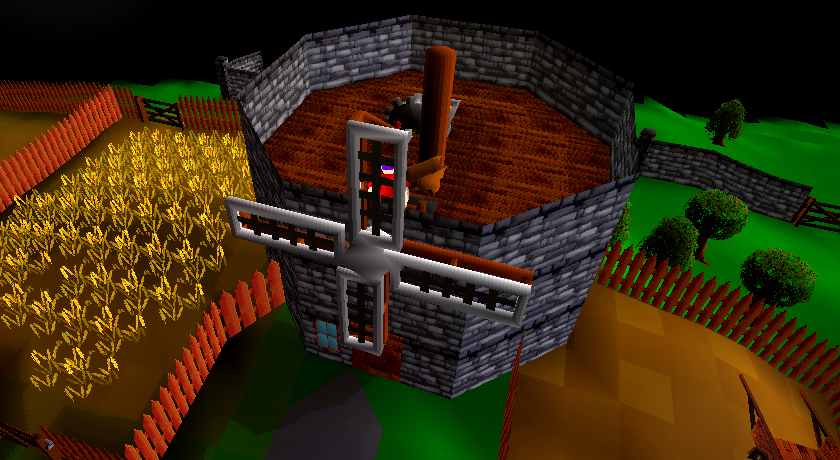
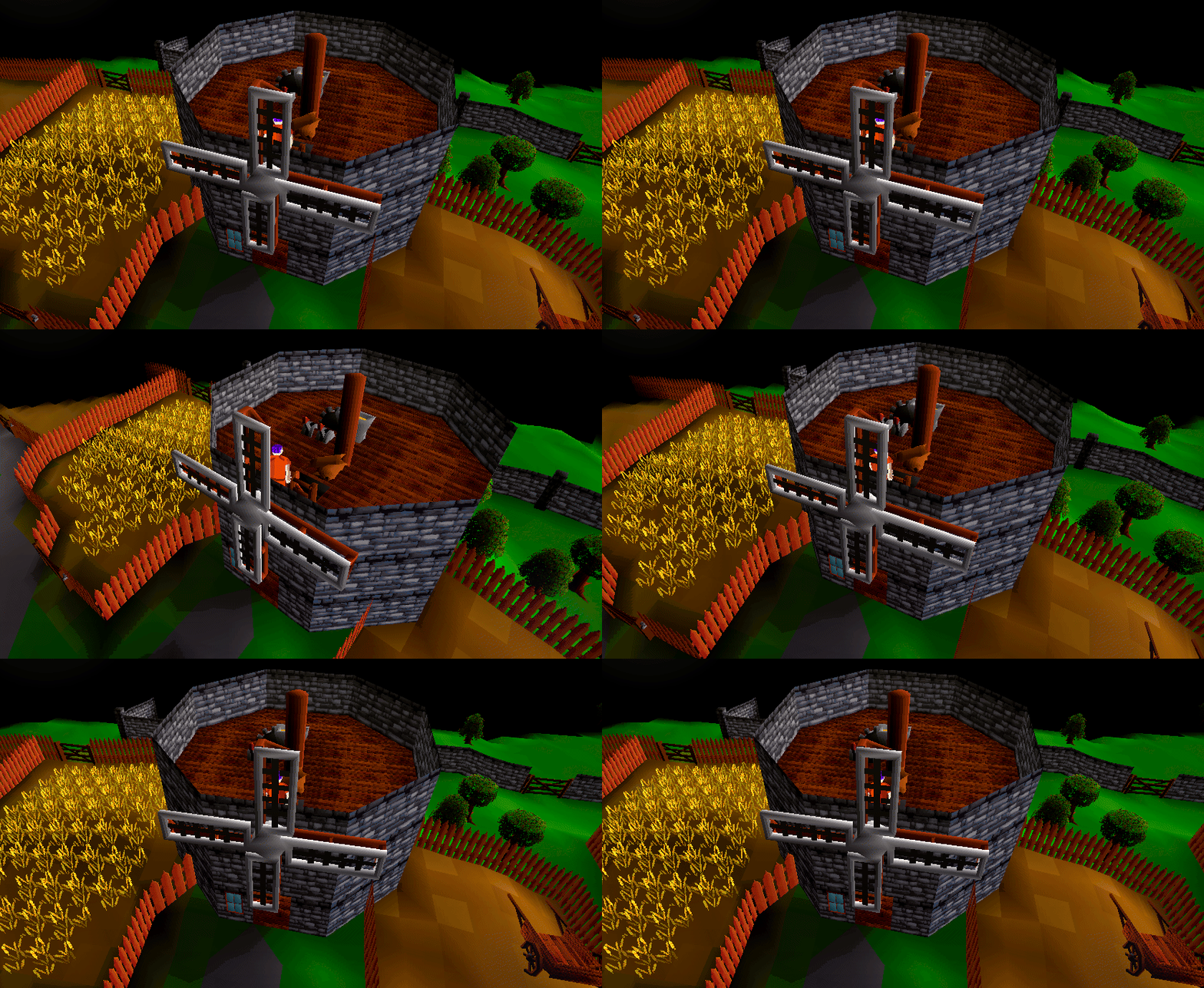
Visible lower floors starts on. Find it in Advanced Settings → Visuals if you prefer the classic view.
The scenery below is a backdrop; your current floor keeps its normal movement and interactions. Players and live scenery changes on other floors are not shown. Custom rooms that cannot support this view keep their existing appearance.
Everyday comfort
Your vitals, where you want them.
Unlock the vitals panel, drag it into place and lock it again. Your placement is remembered on that device.
Choose Floating or Chat bar under Advanced Settings → Interface. Docking makes room beside the existing chat controls. On a narrower window, the panel returns to a floating position that fits.
The panel starts floating and locked. Visibility, locking and Reset are available in the same settings.
Keep the conversation you were reading.
Routine skilling messages stop pulling you away from your selected chat tab. When older history rolls away, a scrolled conversation keeps the same surviving first line; readers at the bottom keep following new messages.
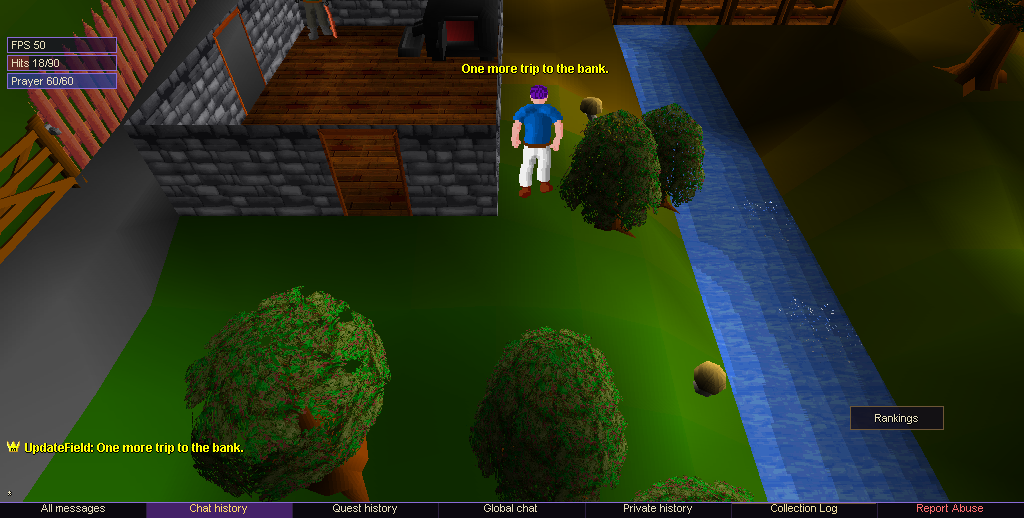
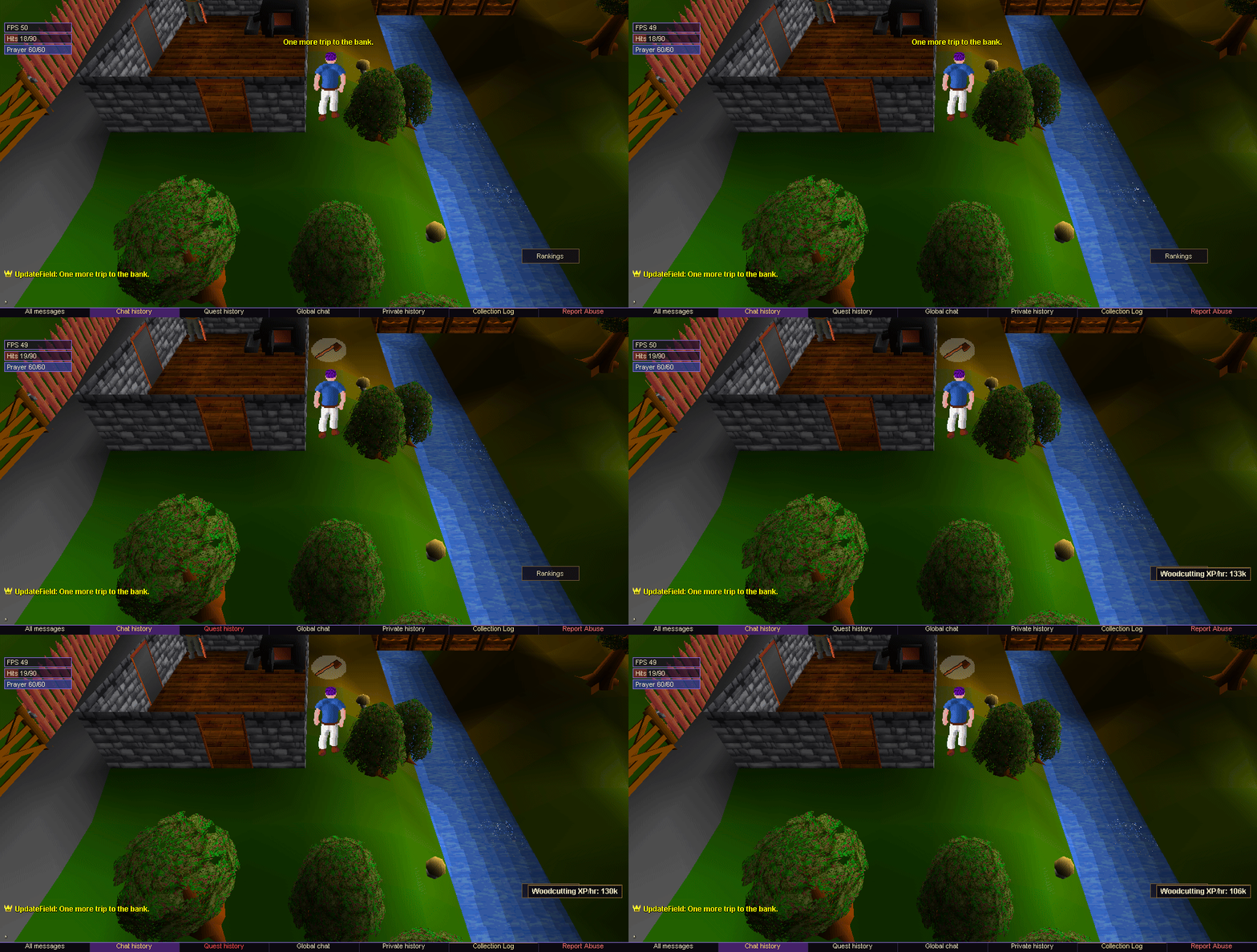
The optional Filter routine skilling messages switch is in Advanced Settings → Chat. It starts off and remembers your choice. Warnings, damage, rare rewards, level-ups, unlocks, quest dialogue and player chat remain visible.
Your character, across devices
Pick up where you left off.
If your internet drops while your character is still online, sign back in to regain control of that same character. You can return from desktop, browser or Android.

Deliberately signing in on another device moves control there. The previous device's automatic retries cannot pull the session back. The client also stays responsive while it is trying to reconnect.
The world keeps moving.
Combat, prayer drain, duels and events continue while you are disconnected. You return with your character's current health, items, position and progress. A death or item loss that has already happened still counts.
A little less banking back-and-forth
Fill your Coal Pouch. Keep banking.
Withdraw coal into your inventory, then choose Fill on your carried Coal Pouch. The bank stays open.
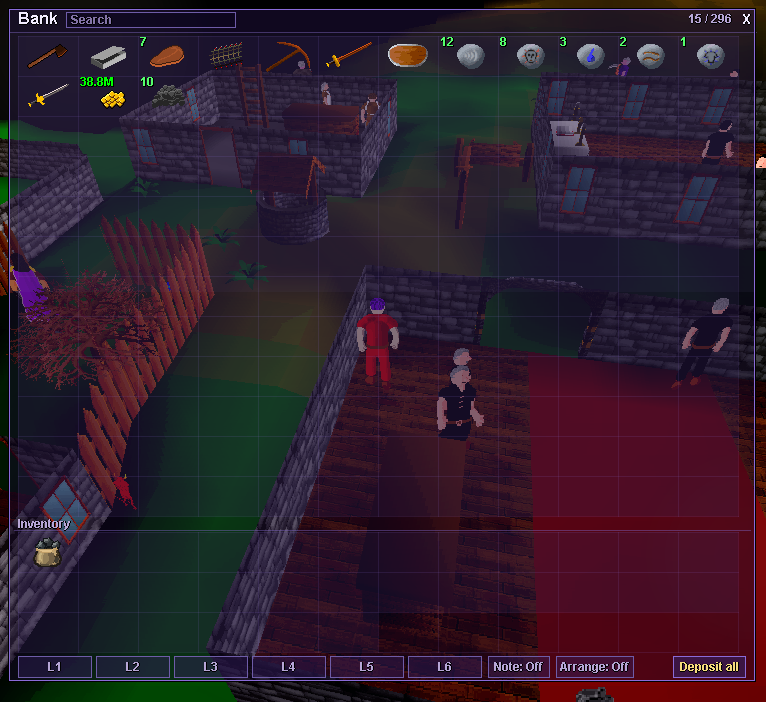
The pouch still holds 30 coal. Fill takes ordinary, unnoted coal from your inventory, and the bank shows how much is in the pouch. It does not draw directly from bank stock. Empty still sends its contents into the bank.
Make room for the next haul.
Bankers now offer five permanent 40-slot upgrades, taking your bank from 256 to 456 slots. Buy each tier in order using gold in your inventory.
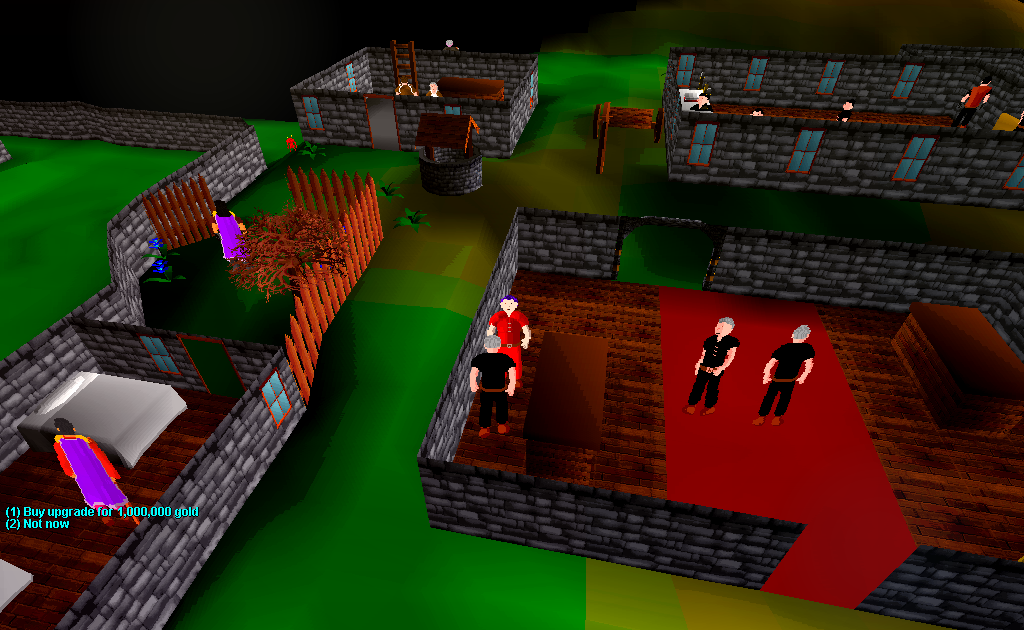
| Upgrade | Cost | New total |
|---|---|---|
| 1 | 1,000,000 gold | 296 slots |
| 2 | 2,000,000 gold | 336 slots |
| 3 | 4,000,000 gold | 376 slots |
| 4 | 8,000,000 gold | 416 slots |
| 5 | 16,000,000 gold | 456 slots |
| All five | 31,000,000 gold | +200 slots |
Upgrades belong permanently to the character that buys them, with no subscription or recurring fee. Regular, Standard Ironman, Hardcore and Fallen characters can buy bank space; Ultimate Ironmen cannot.
For buyers and sellers
More room on the market.
Talk to the Void Auctioneer to expand your six active market slots to a maximum of eleven.
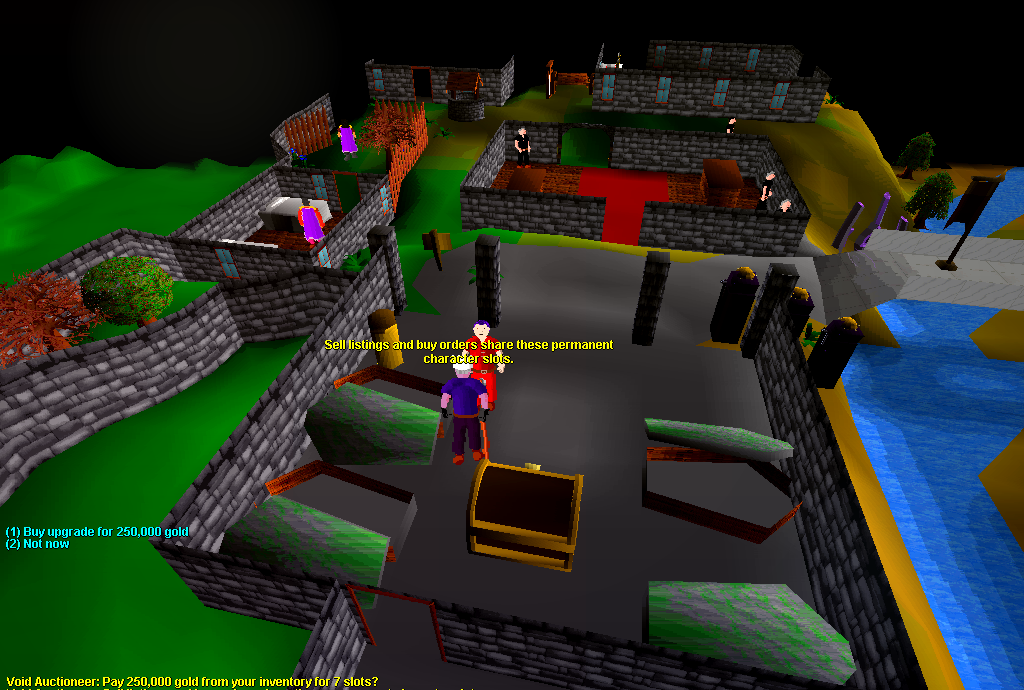
| Upgrade | Cost | New total |
|---|---|---|
| 1 | 250,000 gold | 7 slots |
| 2 | 500,000 gold | 8 slots |
| 3 | 1,000,000 gold | 9 slots |
| 4 | 2,000,000 gold | 10 slots |
| 5 | 4,000,000 gold | 11 slots |
| All five | 7,750,000 gold | +5 slots |
Use any mix of sell listings and buy orders within your limit. These are permanent, sequential purchases paid with inventory gold. Auction House access and upgrades remain for Regular characters.
New choices at familiar vendors
A new name. The same character.

The Void Subscription Vendor sells a tradeable Name Change card for 1,000,000 gold.
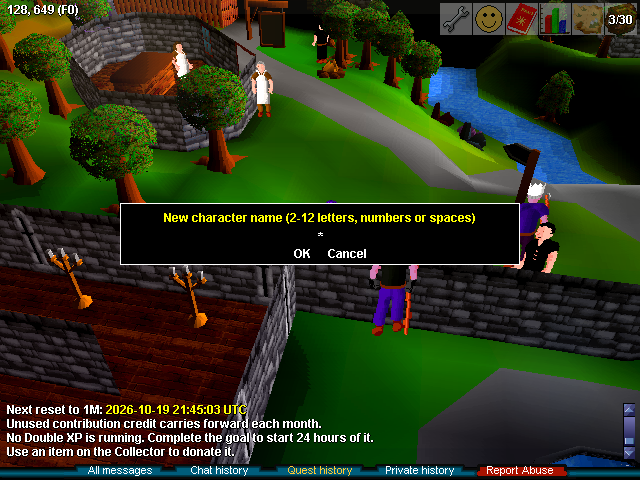
Redeem in a safe place, outside combat, the Wilderness and instances. Close any bank, shop, trade or duel first. Your new name can use 2–12 characters: letters A–Z, digits and spaces, subject to the usual naming rules.
Confirmation uses one card and logs you out. Sign back in with your new character name and the same game password. Your skills, items, quests, friends, ignores and clan stay with you. Website account sign-in is unchanged.
Former names remain reserved to your character. There are no public former-name labels or rename announcements; existing friends and clan members remain connected to you.
Two more ways to get XP cards.

Skill card

Combat card
Buy either card from the Circuit Keeper for 600 Agility coins, or the Void Subscription Vendor for 1,000,000 gold.
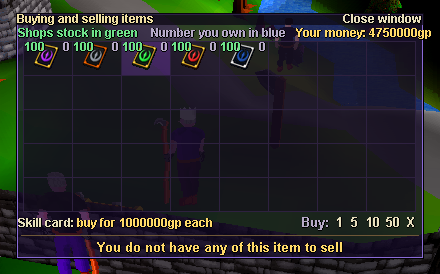
Cards remain tradeable and keep their existing character restrictions. Redeeming more extends their duration; it does not increase the strength of the bonus.
Community Double XP
A fresh goal every month.
The Lumbridge Garbage Collector returns to a 1,000,000-gold goal each month, following the anniversary set at this update's launch.

Complete a goal
The next target still doubles as the community earns more Double XP.
Keep your progress
All unfinished contribution credit carries forward. Double XP already earned is kept.
Start the next month
The goal returns to 1M. If carried credit already covers it, the next donation completes that goal and grants its usual reward.
The monthly reset itself does not award Double XP.
The details that matter
The smaller things, fixed.

Switch gear, then act
Quick equipment changes register before the attack, spell, conversation or object interaction that follows them.
Void rats recognise worn armour
Armour worn in the Classic inventory now counts for Void rat aggression. Carrying unworn armour does not count as wearing it.
Your Guardian rewards, recorded
New Stone Guardian victories record the loot you earned once. The history opens inside the arena too; relogging or claiming a reward again does not add duplicate credit.
Heroes' Quest, together
An eligible Black Arm Ironman who lures Grip can collect the genuine quest key after their Phoenix partner defeats him. Other players' ordinary drops keep their existing restrictions.
Cannon boundaries
Cannons cannot be used in the Void Dungeon or damage Void Dragons. Cannon pickup and recovery remain available.
A quieter return to combat
Reconnecting during a fight no longer floods chat with unrelated interface warnings.
Less unnecessary work
Reduced unnecessary work during region changes, title lookups and cannon targeting. Short scripted actions spend less time waiting, and abandoned login attempts are cleaned up.
Thanks for playing Voidscape.