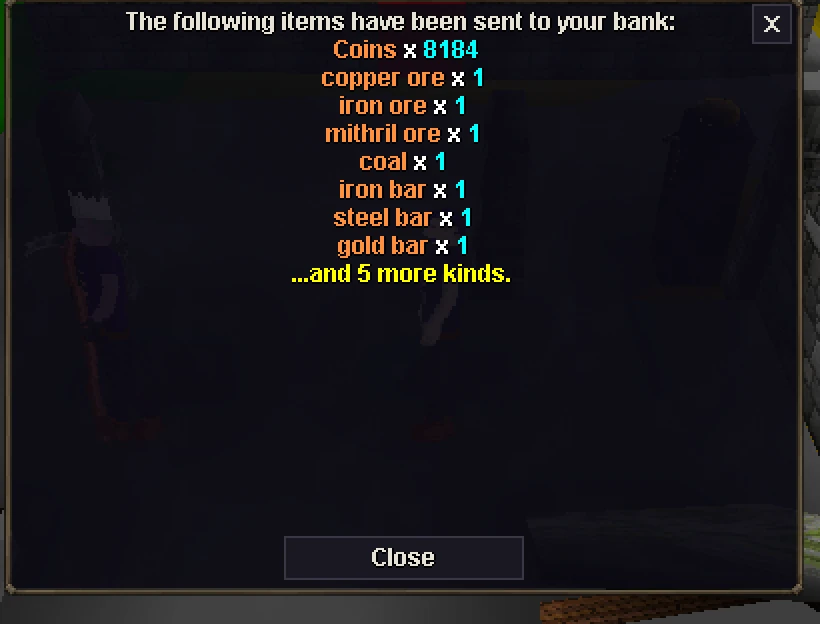
A new look for every menu and window, VOID login art, NPC choices with portraits, a calmer phone screen, auto retaliate, account tools in Settings and a long list of fixes you asked for.
Restart the desktop launcher, reload the browser game, or install the latest Android update.
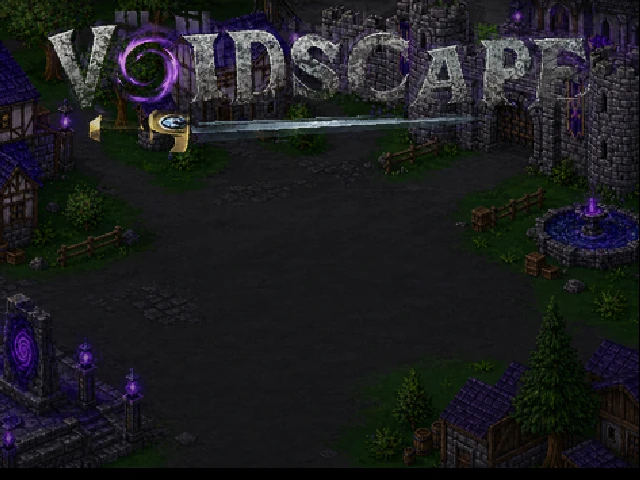
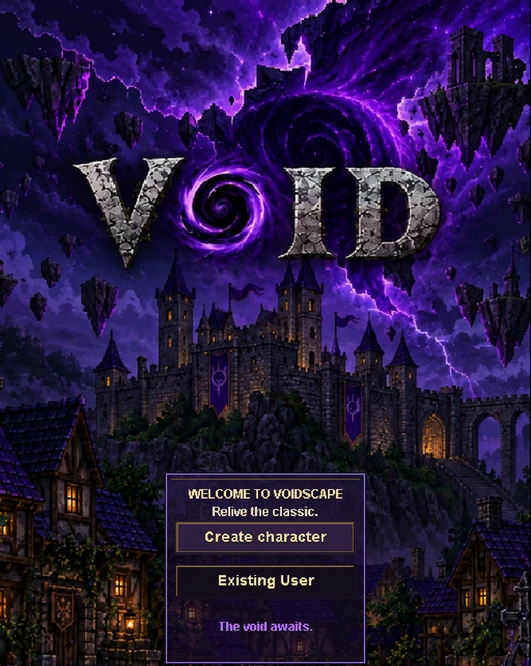
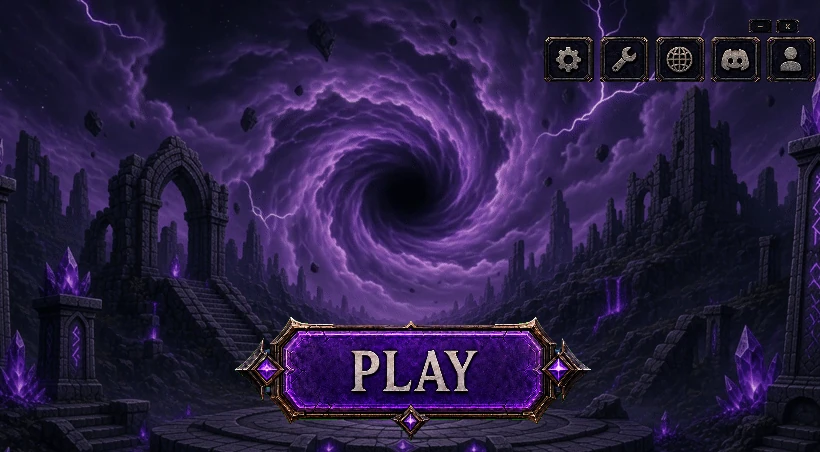
The new login art, Rift over the old town.
Look and feel
One look for every menu and window
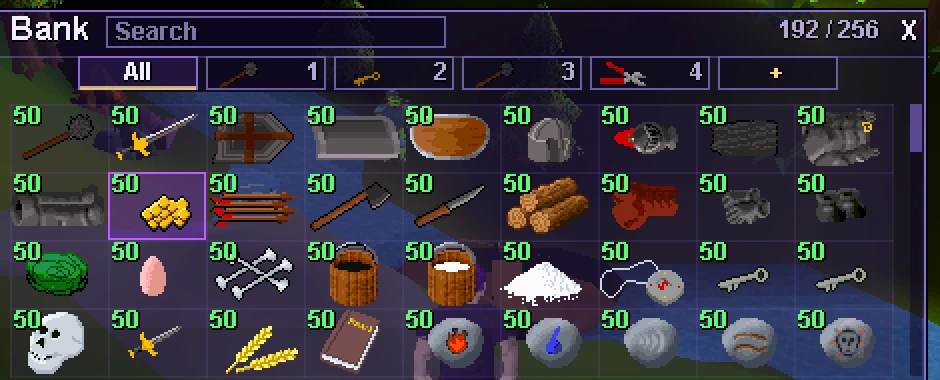
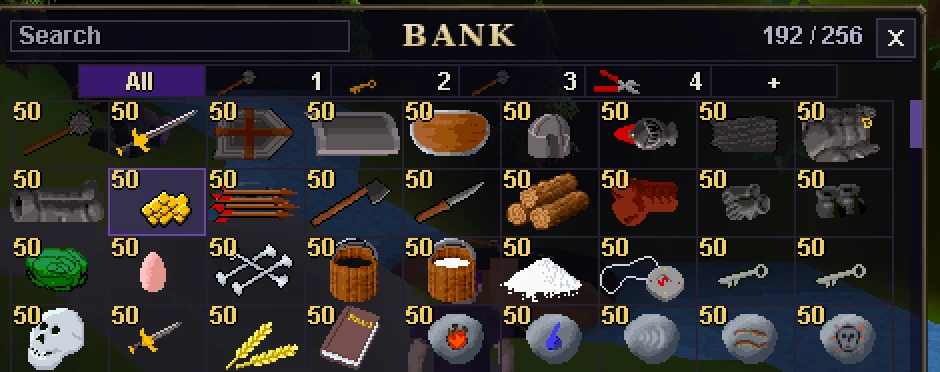
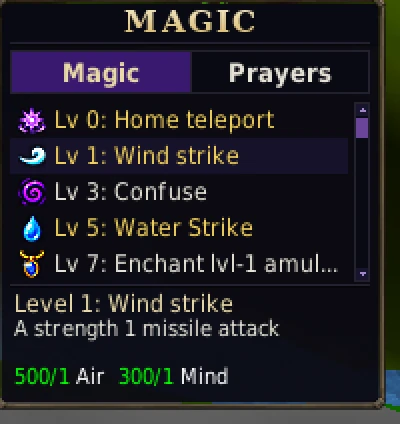
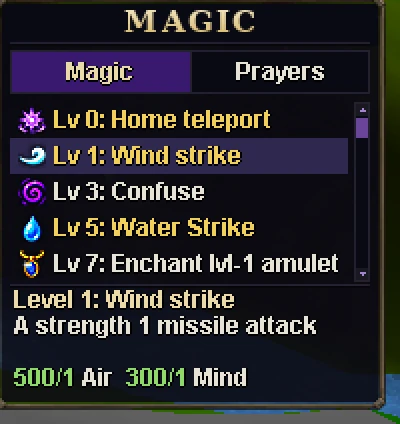
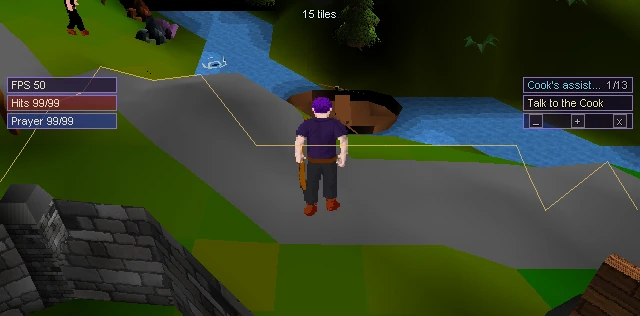
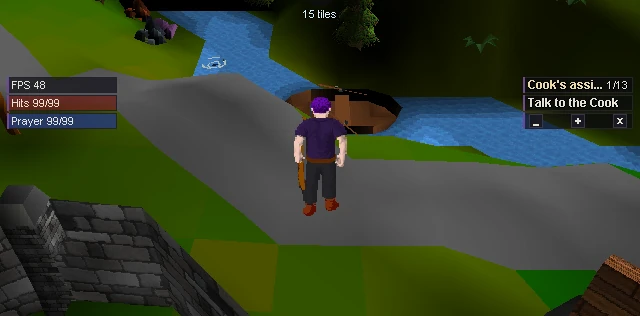
Every menu and window now shares one look on desktop, in your browser and in the Android app: frosted glass, clearer text, and the same buttons and scrollbars everywhere. Prefer see-through windows? Pick Glass in Settings > Interface > Panel style.
BeforeAfter
BeforeAfter
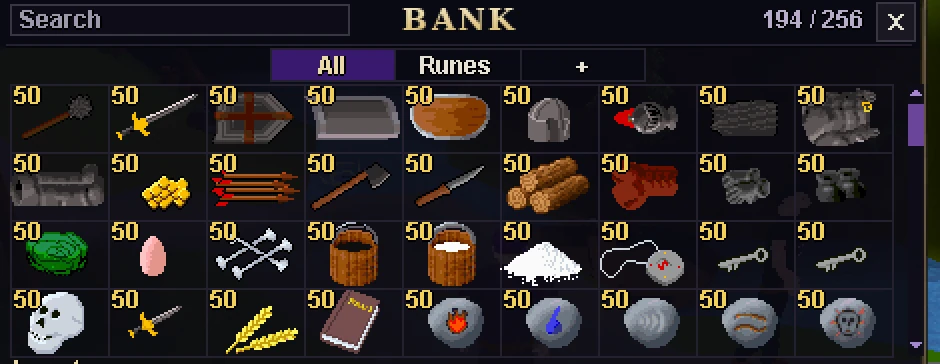
The bank and the Magic book on the desktop client.
A new login screen
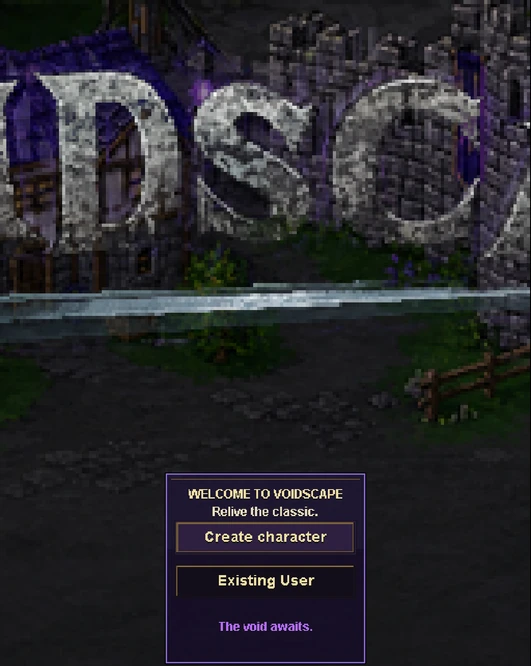
New art, Rift over the old town, under a VOID title. On phones you now see the whole scene instead of a zoomed-in corner.
BeforeAfter
BeforeAfter
Desktop, then a phone held upright.
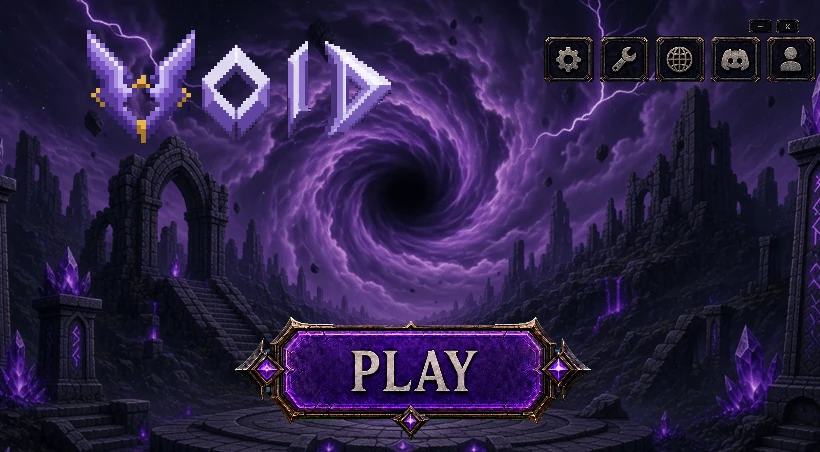
A cleaner launcher
The desktop launcher drops the big VOID letters. Everything else works as before.
BeforeAfter
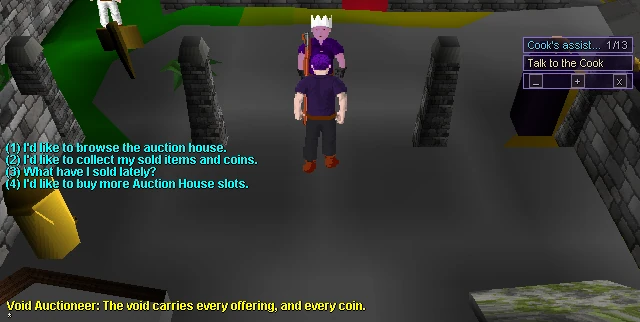
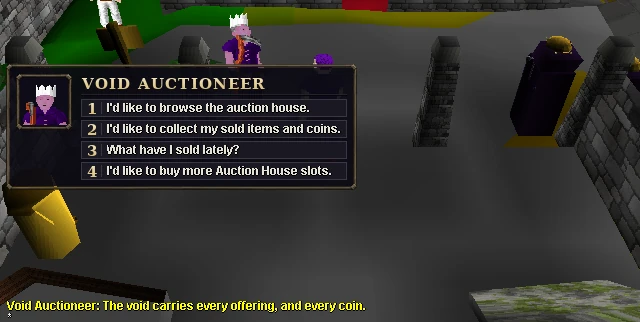
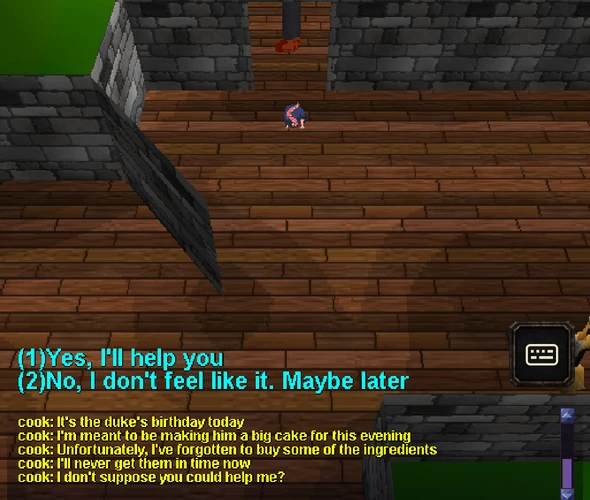
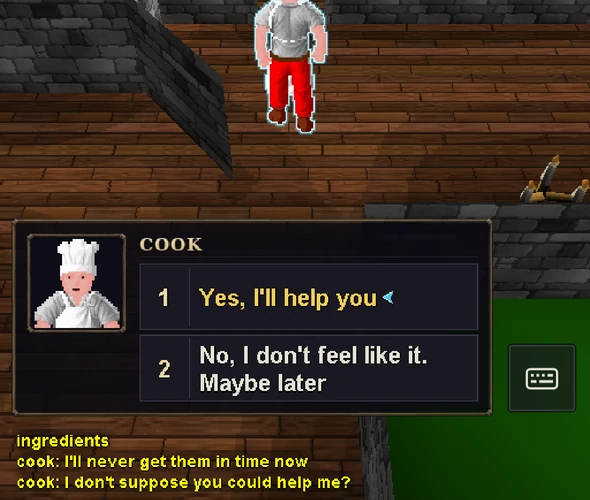
NPC choices with a portrait
When an NPC gives you choices, they now appear in a card with the NPC's portrait and name, at the lower left where the options always were. Press 1-9 or click one.
BeforeAfter
BeforeAfter
The Void Auctioneer on desktop, and the Cook on a phone.
Prefer the classic look?
Turn on Settings > Interface > Classic interface for the original RSC panels, chat bar and blue option text. A one-time tip in chat points you to it.
New
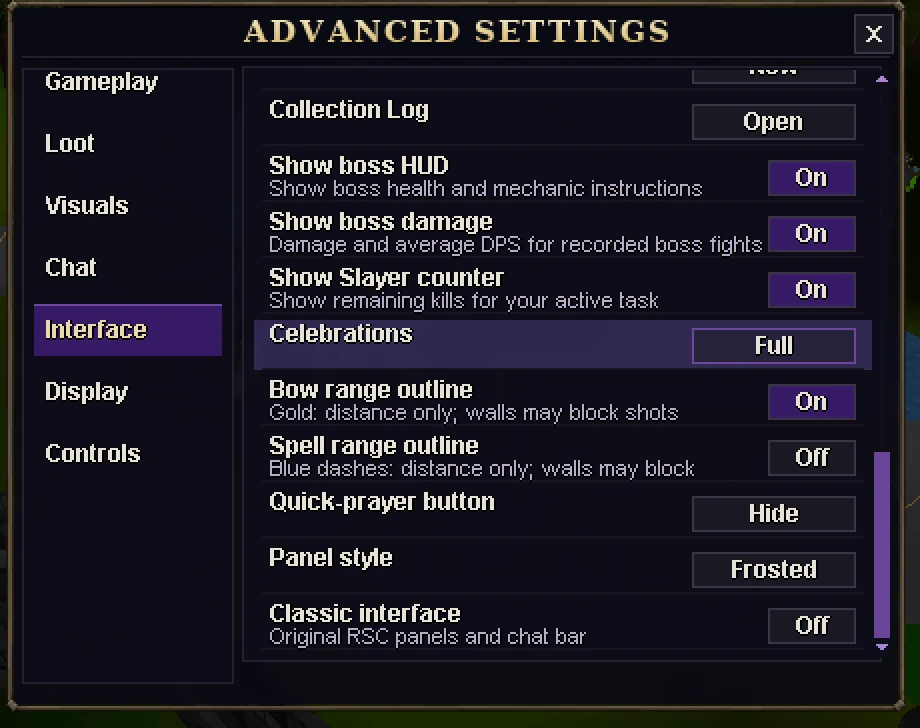
Range outlines start off
The outline that shows how far your bow or spell reaches now starts off. Turn it on with Bow range outline and Spell range outline in Settings > Interface. If you already chose, your choice is kept.
BeforeAfter
Wider chat buttons on big screens
On wide desktop windows the chat channel buttons grow wider, so they are easier to hit.
BeforeAfter
The left side of the chat bar on a window 1,920 pixels wide.
Phones and the Android app
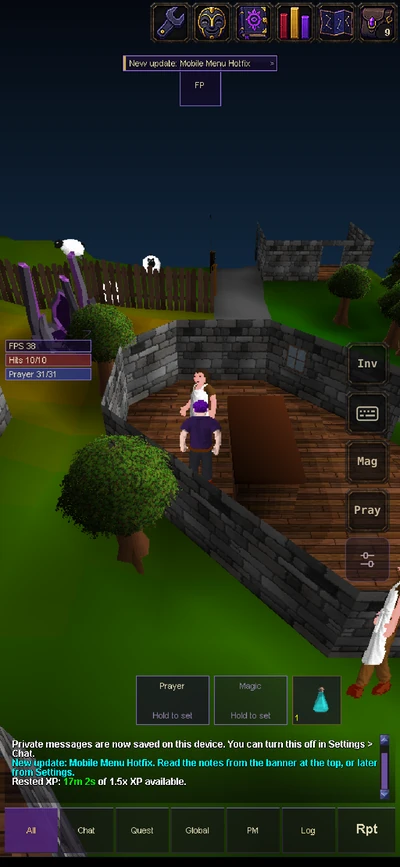
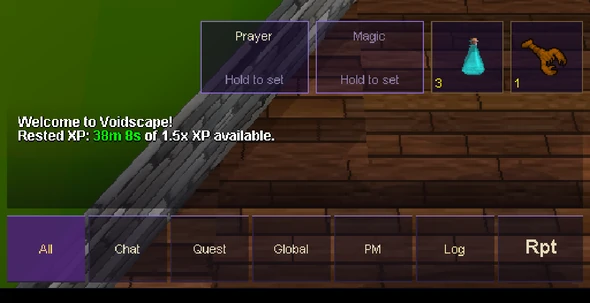
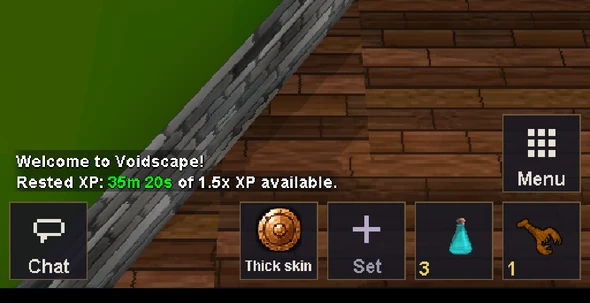
A calmer phone screen
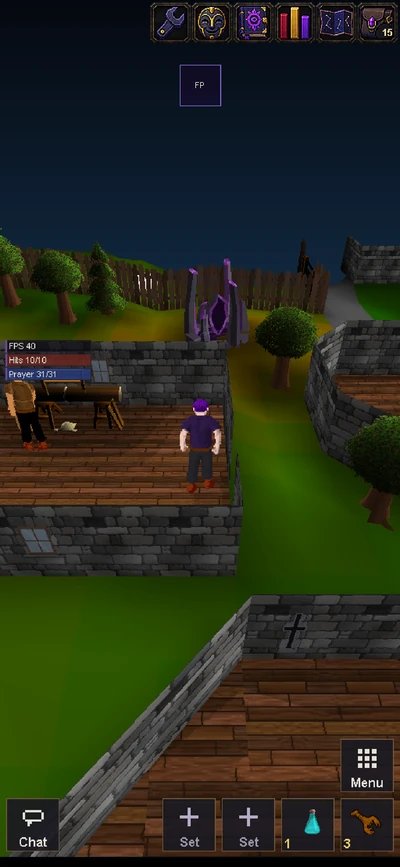
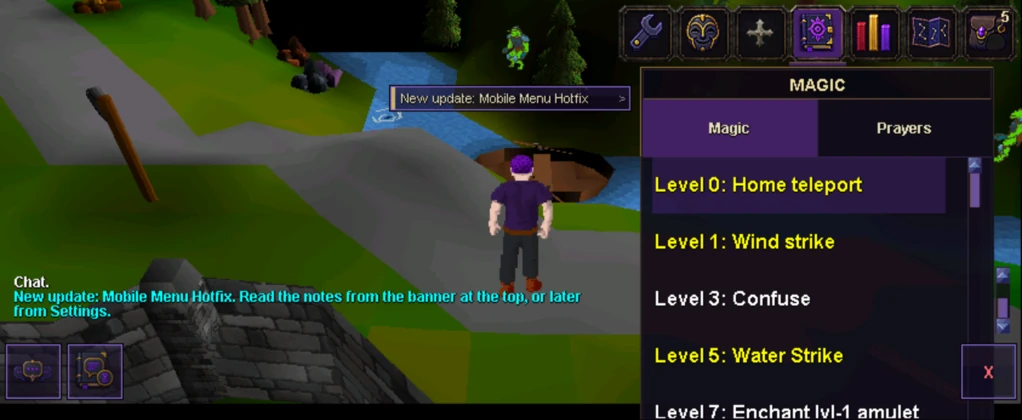
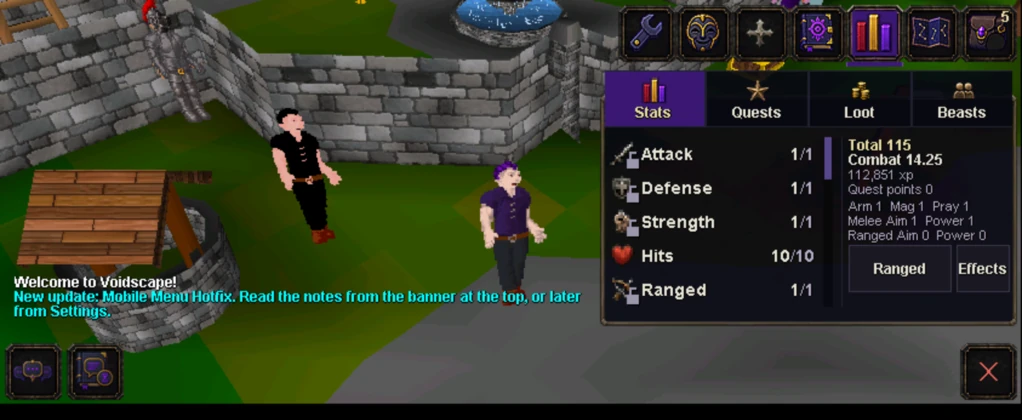
One Chat button opens a chat sheet with every channel, four quick slots sit by your thumb, and one Menu button holds your bag, magic, prayers and settings.
BeforeAfter
A phone browser. The Android app gets the same layout.
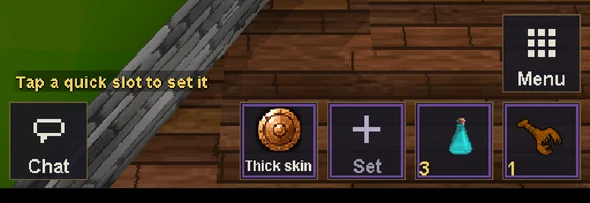
Hold to set, tap to use
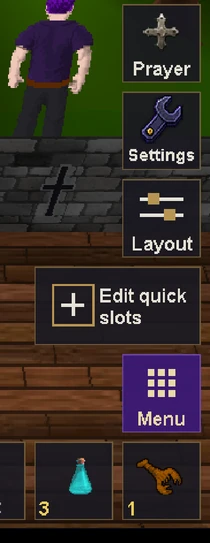
Hold a quick slot for 0.6 seconds to set it, so a quick tap always uses it. Or open the Menu, pick Edit quick slots and tap the slot you want.
NewThen tap a slot
Quick prayer remembers your prayers
Your quick prayer picks now survive a reload or an app restart. If yours were lost before, set them once more.
BeforeAfter
Right after reloading the page.
The world map on phones
Pinching the world map to zoom and pan works again in phone browsers, and the map now says Pinch or +/- to zoom.
BeforeAfter
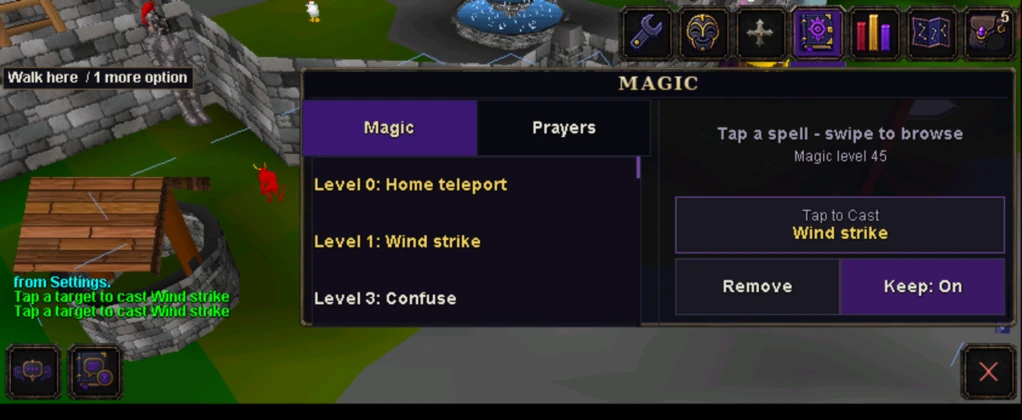
Two columns in landscape
In the Android app held sideways, Magic and Stats use two columns, so spell details, Tap to Cast and more of your skills fit on screen.
BeforeAfter
BeforeAfter
Phone browser fixes
One tap on a friend's name or on Remove now works.
A swipe on Settings > Profile in landscape no longer logs you out.
Closing the Collection Log or Game updates no longer opens your bag.
Your account
Add a recovery email
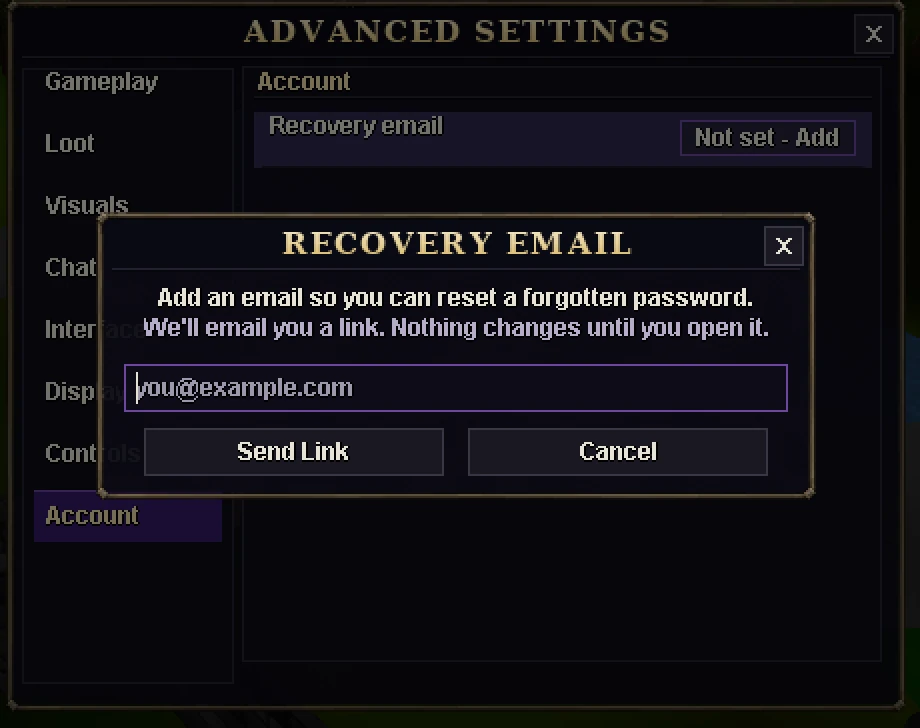
Settings > Account > Recovery email lets you add an email to an account that has none. We email you a link, and nothing changes until you click it.
New
Change your password in game
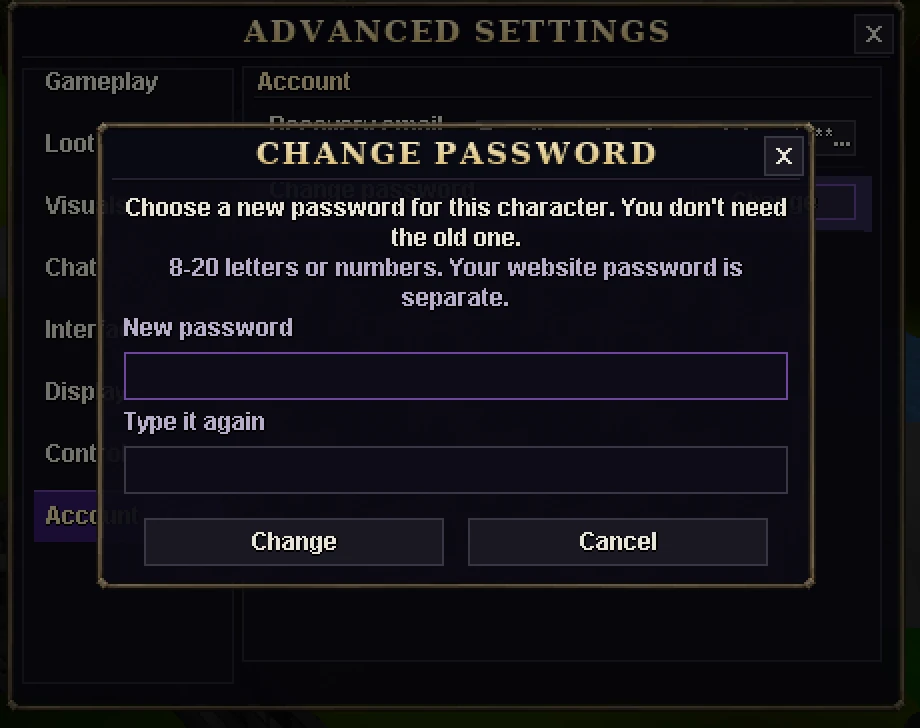
Settings > Account > Change password: choose a new one without typing the old one, 8-20 letters or numbers. You can change it up to 3 times a day, and a notice goes to your confirmed email. Your website password is separate.
New
Gameplay
Auto retaliate
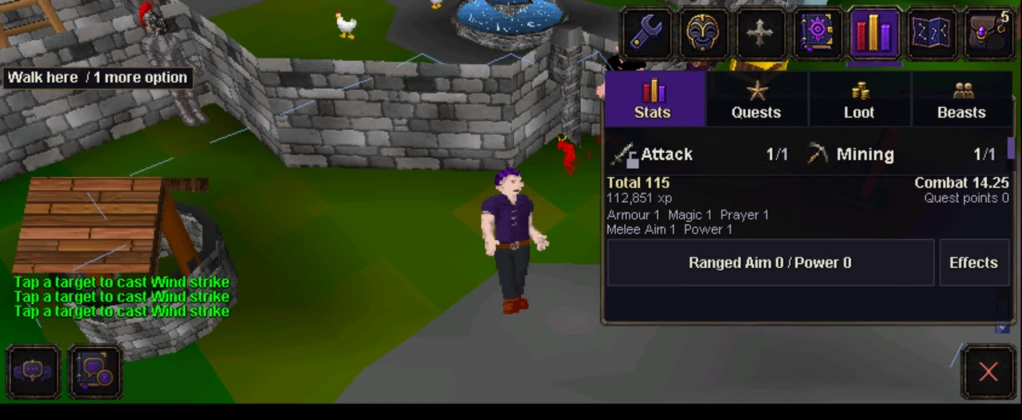
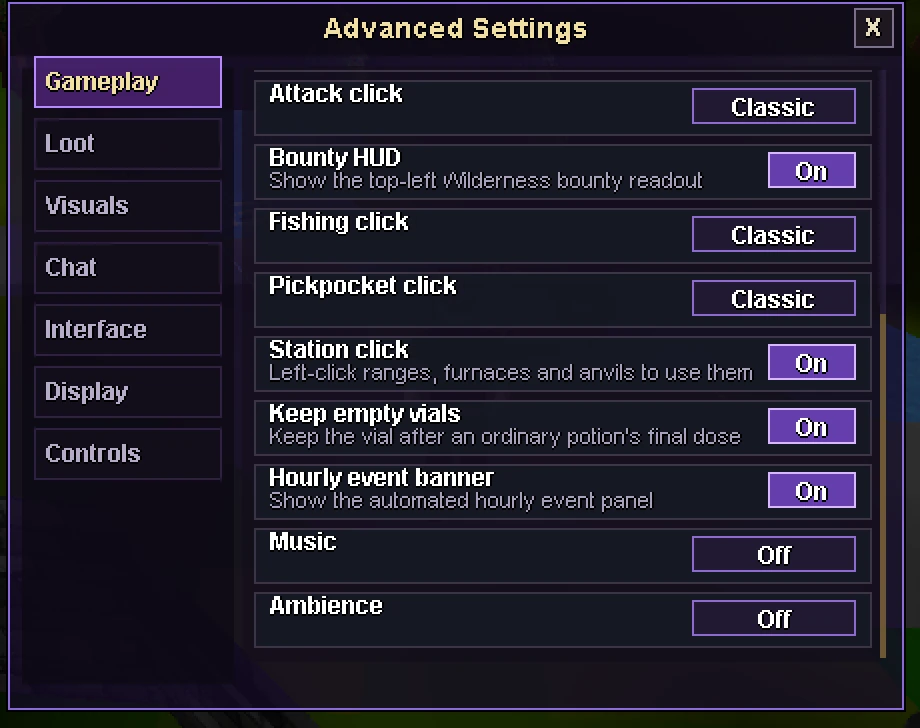
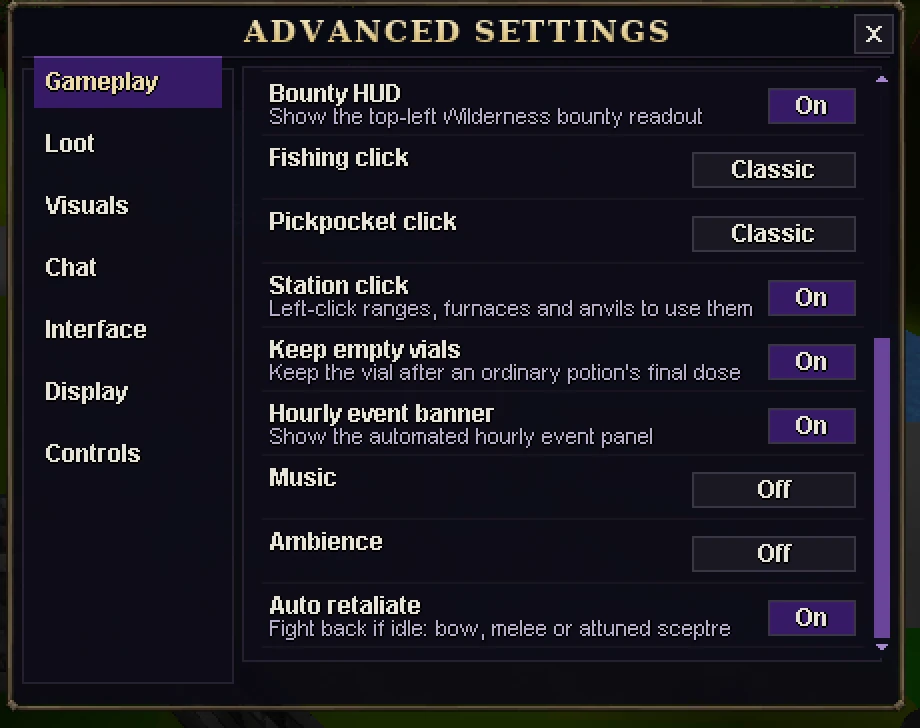
New in Settings > Gameplay, and on by default. If you are idle and a monster shoots or casts at you, you fight back: with a bow you walk into range and fire, with a melee weapon you walk over and fight, and a Void Sceptre set to autocast casts its spell. Other staffs and wands, and bows without arrows, do nothing.
It never acts against players, in duels or in events.
BeforeAfter
The new row sits at the bottom of the Gameplay page.
Bank tabs hold their items
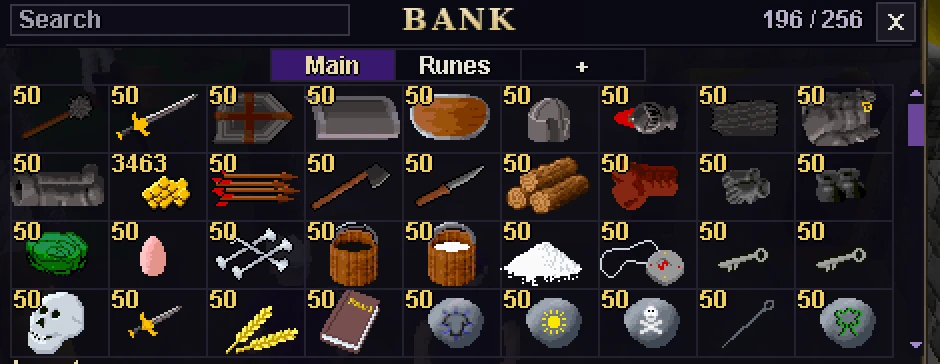
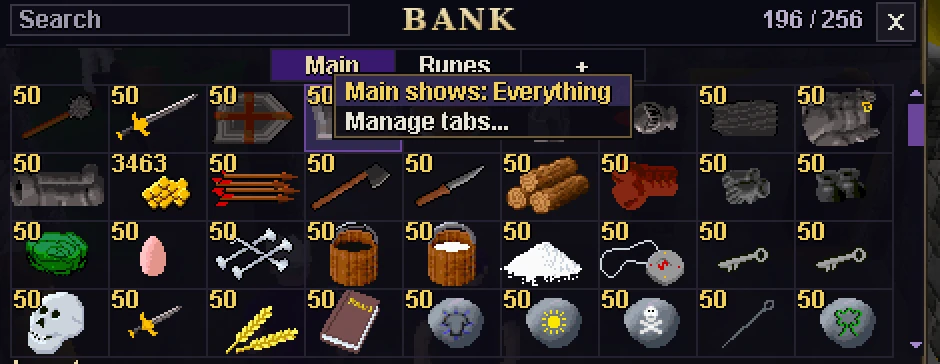
Moving an item into a bank tab now takes it off Main, so Main shows only the items in no tab. Search still covers the whole bank.
Prefer the old view? Right-click Main (tap it on a phone) and pick Main shows: Everything. Each device remembers your choice.
BeforeAfter
New
After moving the runes into a Runes tab.
Auction House
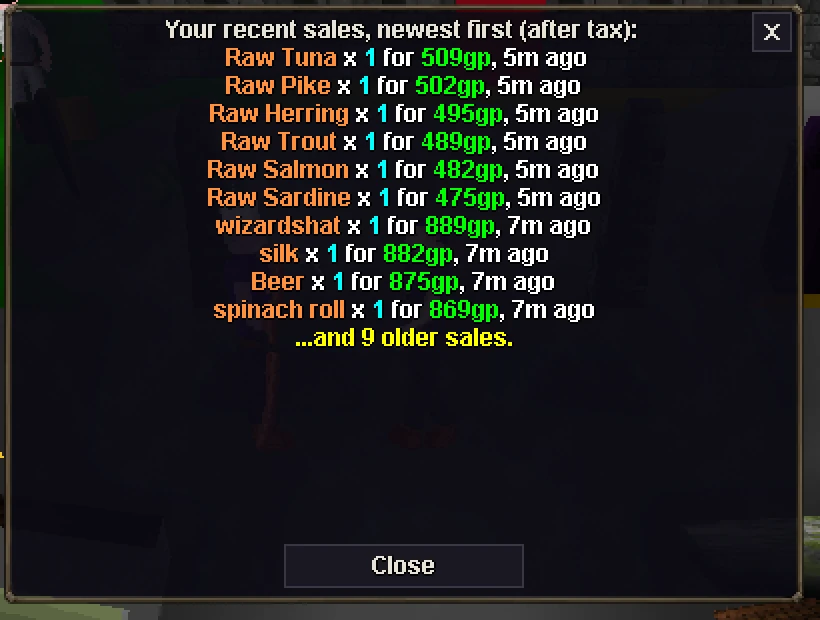
The box that lists what sold now adds up each item and fits inside the window, and the Browse list reaches its last listing on short screens.
New at the Void Auctioneer: What have I sold lately? lists your 10 newest sales with the coins you got after tax.
Buy orders for items that aren't in Voidscape are now refused. Any already open are cancelled at the update, and their coins wait for you at the Void Auctioneer.
AfterNew
Events and Double XP
You can no longer duel inside Survivor or Void Rush.
When you log in, a Double XP line says whether it is on and until when, or what will start it next. ::myxp shows the same line.
When the Garbage Collector resets each month, the whole world now gets a message.
Quests and fixes
Love by Committee: a wrong proposal no longer locks any pairs. If you were stuck, your next chat with Mrs Plumtree starts the pairs afresh.
Three Lamps Down: the game now tells you to pull the lock lever before you cross the swamp.
Scorpion Catcher: the Quest Helper now says one cage holds all three scorpions. Only ask Thormac for a new cage if you lose yours.
Fixed the lag spikes some players noticed. A background job was holding up the game. The item history behind that job is gone, so the transparency page no longer has an Item history card.
If a gem pouch is held for a staff check, the bank now says so. Its contents are safe.
Genuine captures from test worlds on the desktop client, a phone browser and the Android app. Select a picture to enlarge it.